1. Path Practice
Students read a current location and a cd command, then click the directory node where that command should land.
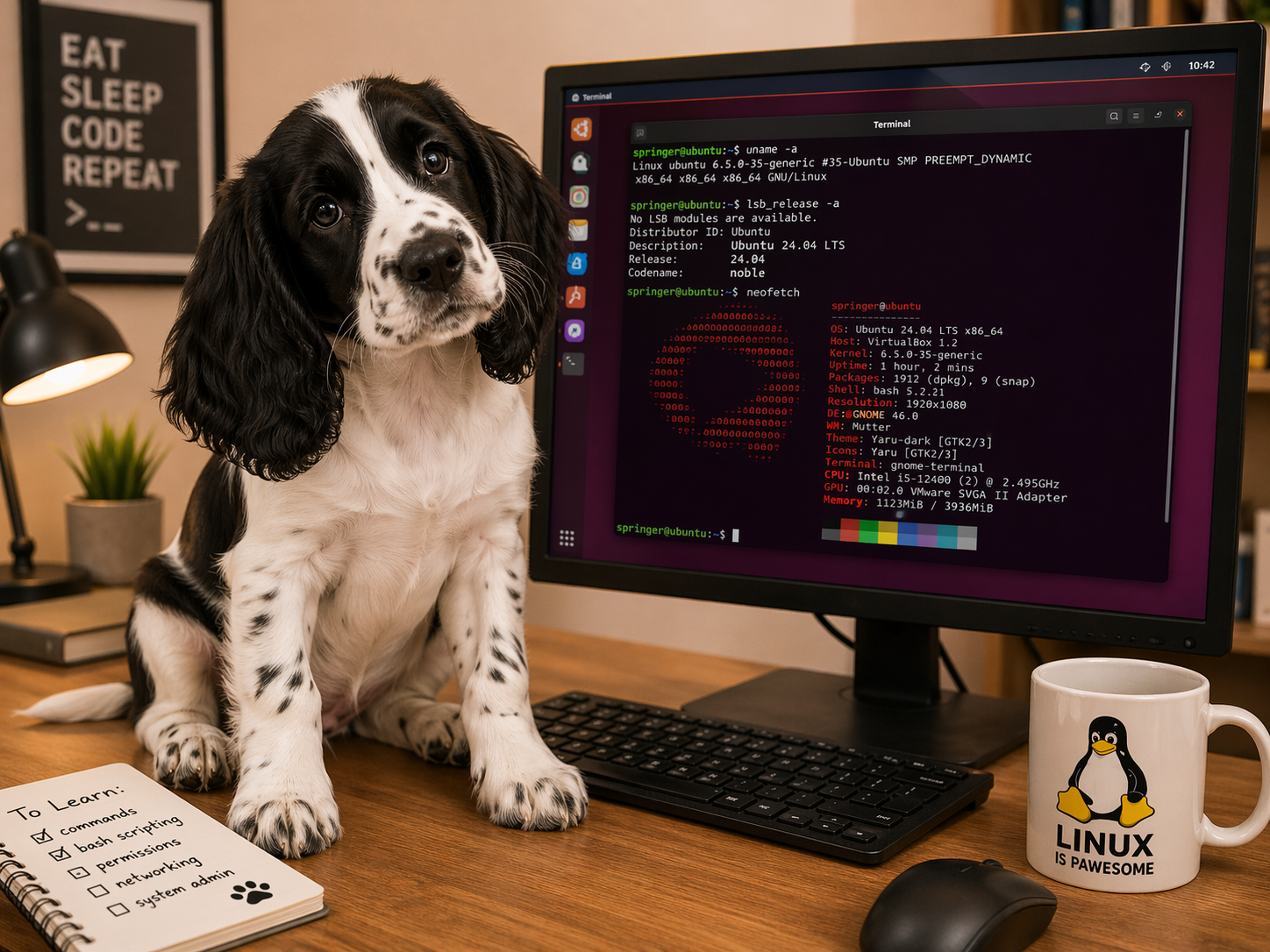
This section gathers the current Linux branch of Script Doggies into one home base. It keeps the existing work together while the wider site grows into more subjects.
The learning path is still meant to be approachable and sequenced: build a mental model for folders and paths, type commands with purpose, move files, then solve a full browser terminal mission.
These pages are still intended to be used in order. Each one adds a little more command-line fluency before students are asked to solve the full terminal mission.
Students read a current location and a cd command, then click the directory node where that command should land.
Students see a green pwd node and a yellow target node, then type the cd command that moves between them.
Students see a pwd, a highlighted .txt file, and a destination, then type the mv or cp command that sends the file there.
A browser-based Linux terminal mission where students use commands like ls, pwd, cat, mkdir, cp, mv, rm, and python3.
Command-script speed practice with selectable files, accuracy tracking, and the same Dwarf Mine setting for continuity.
The Linux branch is designed for classrooms, homeschool groups, clubs, and families that want low-cost, hands-on computing lessons with a playful tone and a clear path from basic navigation toward real command use.